
Team management
Team management with everyone on one page
Invite employees by email and see them all in one place: who has joined, who is online now and whose invitation is still pending. Each person has their own extension and team.
Invite an employee by email and set their role before they join
Invite an employee by email and choose their role in the same step, so they arrive with their permissions ready. You can invite several people at once.
- See how many users your plan has left before you send the invite
- A supervisor user can view the work without editing it, and counts separately from full users
Know each employee’s hours, and when they were available
Each employee has working hours, either their team’s shift or hours of their own. A call they miss outside their hours doesn’t count against them in missed call statistics.
- See when they were online over the last seven days, hour by hour
- Days off are set for each employee
Callers reach an employee by their extension
Each employee has a three-digit extension, such as 103, that callers can dial to reach them. You decide who on the team can be reached this way and who can’t.
Group employees into teams on your channels
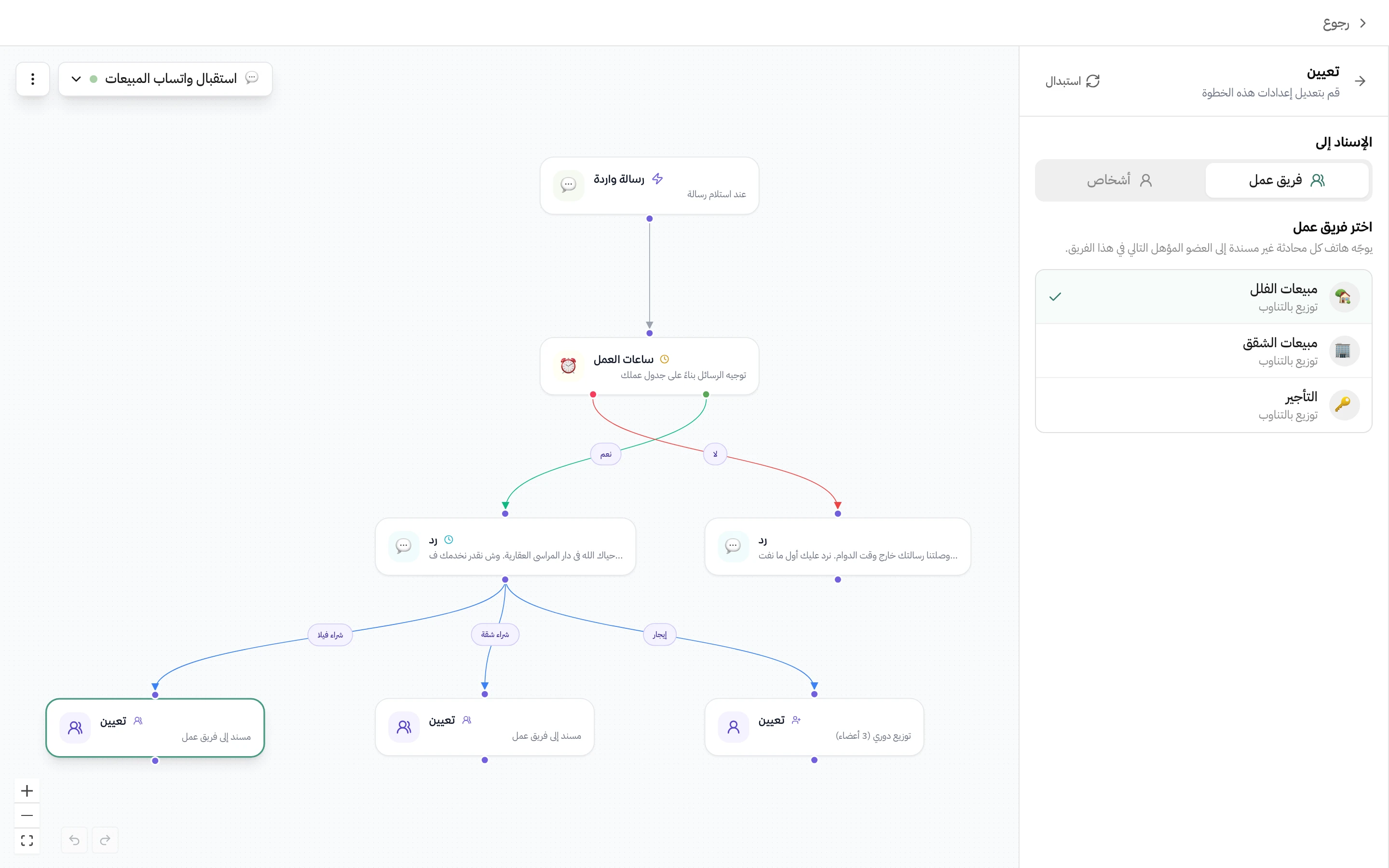
Group a channel’s employees into a team, such as villa sales on the Sales WhatsApp channel. When you assign a conversation to the team, Hatif routes it to the next eligible member in turn, so the work is shared evenly.
Questions about this feature
What’s the difference between a member and a supervisor user?
A supervisor user is view-only, plus billing: they can see but not edit, and they count separately from full users. You can upgrade them to a full user later, and they then count as a full user.
What happens if an employee doesn’t accept the invitation?
The invitation stays pending and counts toward your user limit. Resend it, or cancel it to free up the place.
What happens to an employee’s conversations when I remove them from the team?
You choose when you remove them: leave the conversations unassigned, share them evenly across the team, or assign them to another member you pick.
Related features
All features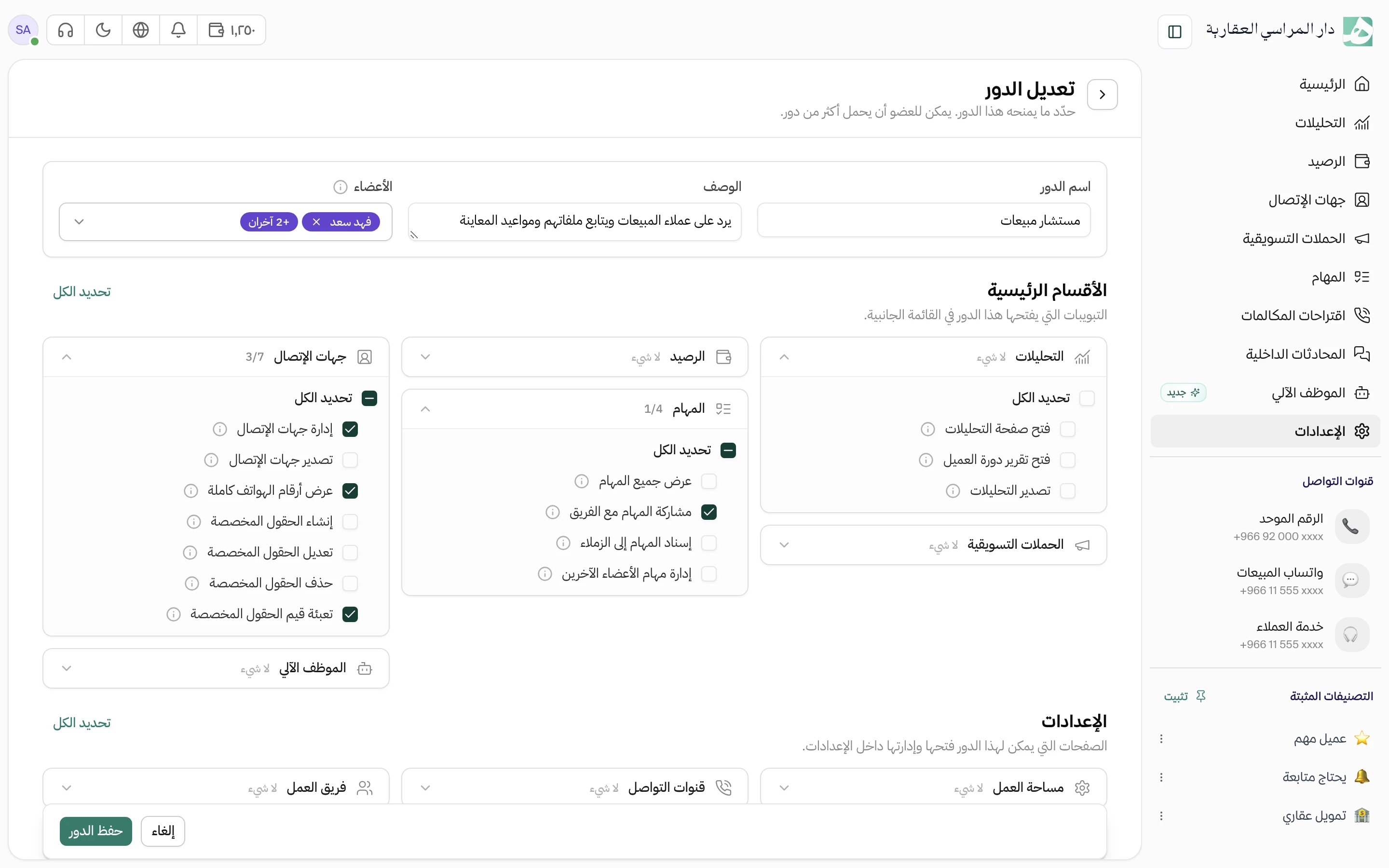
Try Hatif with your team
Start with your unified number and have your team answer from one app.