
Auto-assignment
Auto-assign every WhatsApp chat to the right person
Every new WhatsApp conversation is assigned on its own to the team responsible and to whoever is next in line. Work is shared evenly across the team, with no one handing it out by hand.
A team for each kind of request, taking turns
Set up a team for each kind of request, such as villa sales or rentals. A conversation that reaches the team goes to the member who is next in line, so chats don’t pile up on one person.
Or pick the people yourself and set the order
If you don’t need a whole team, choose one employee to receive every conversation, or several who take turns. You set the order.
Shifts for every team, and a ready reply for after hours
Each team has its shifts, and each member has the shifts they work. Anyone who messages outside them gets a ready reply on WhatsApp, so they aren’t left waiting without an answer.
- The away message goes out once per conversation
- A follow-up task is created on its own, due at the start of the next shift
- Hatif shows you the hours no shift covers
The employee knows it’s theirs, and the manager knows where it went
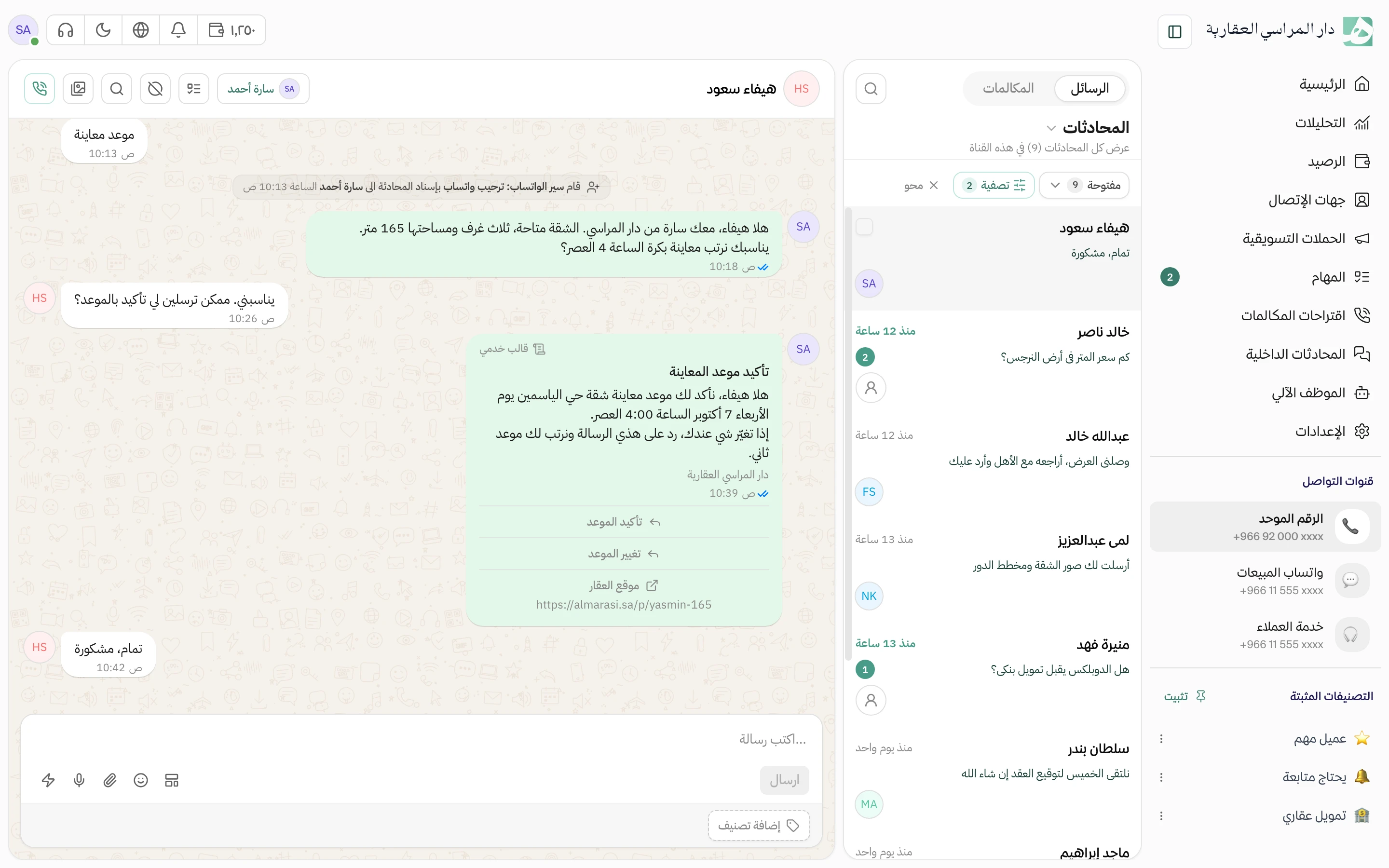
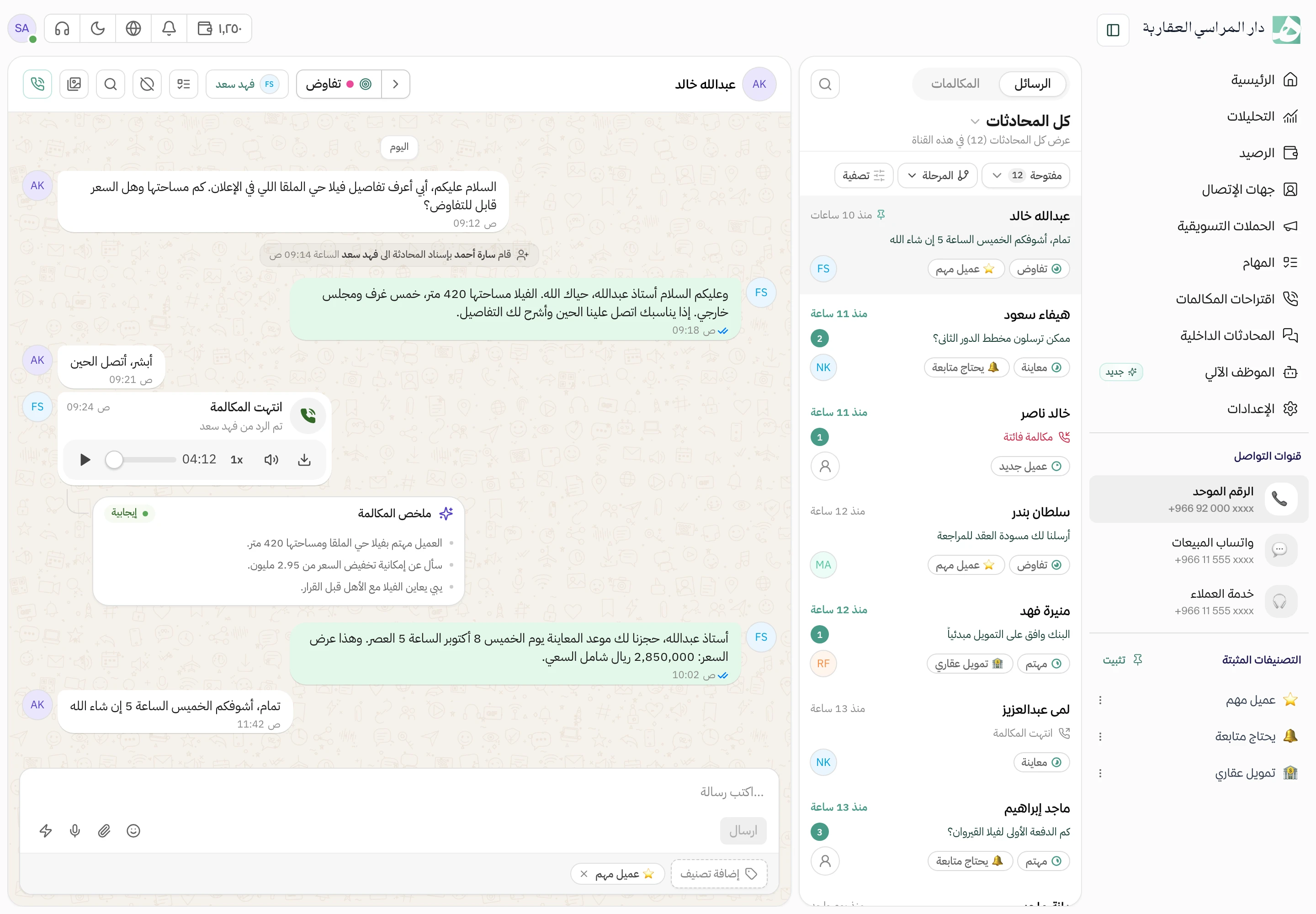
Every assignment is written into the conversation: which team it went to and which employee. The employee opens it and knows it’s theirs, and the manager can see where every conversation went without asking.
Questions about this feature
What’s the difference between assigning to a team and rotating between people?
With a team, you choose the team once and Hatif shares conversations among its members, and when the members change you update them in one place. With people, you choose the employees and their order yourself inside the flow.
What happens if someone other than the assigned employee replies?
You decide for each channel. Either a reply moves the conversation to the employee who replied, or it moves it to them only when the conversation has no owner.
Can a conversation be reassigned automatically later?
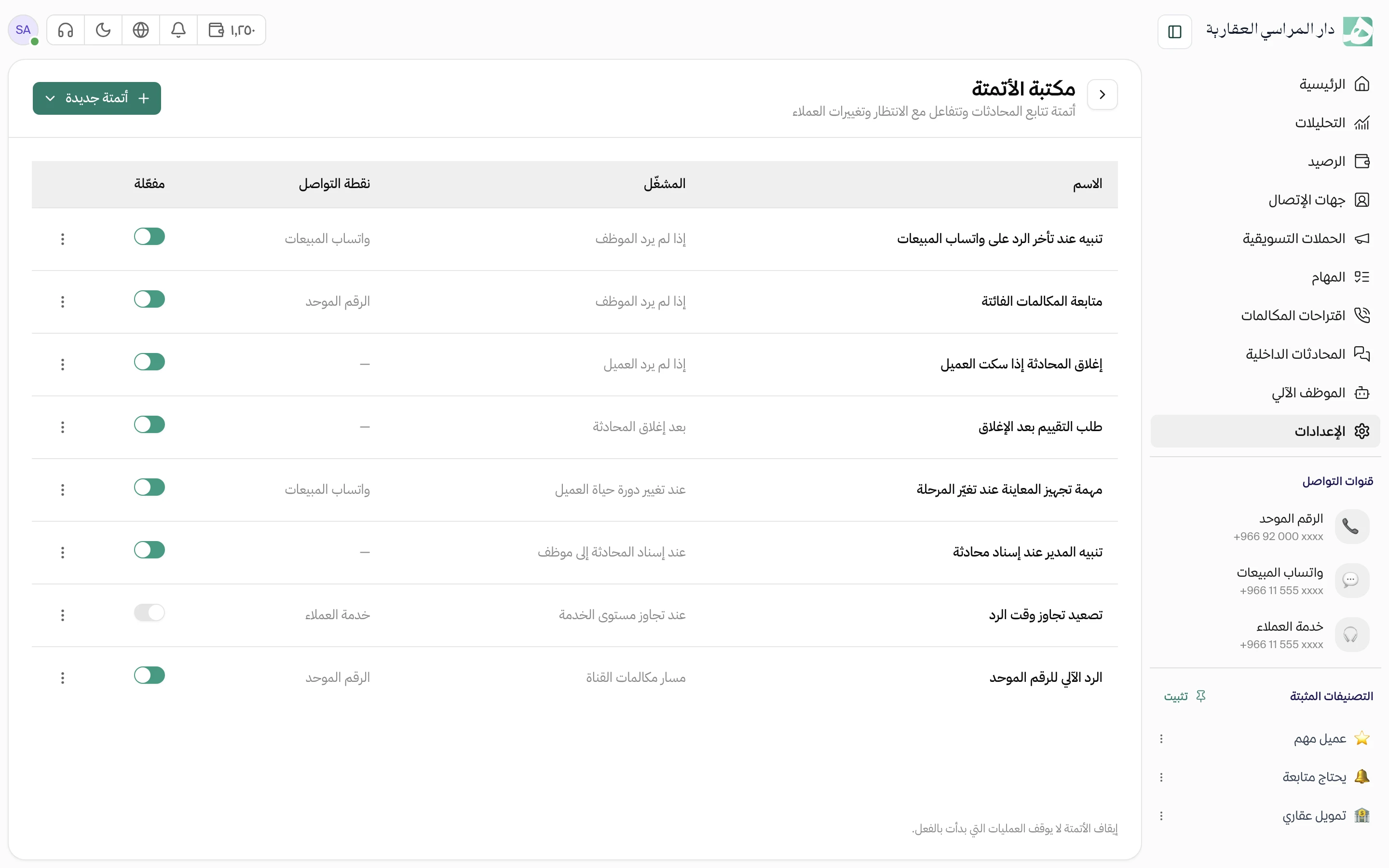
Yes, with automations. Assign the conversation to a team or to people, or remove its owner so it goes back to the shared queue for anyone to pick up.
Try Hatif with your team
Start with your unified number and have your team answer from one app.