
User activity log
An activity log of who changed what, and when
Every change to your account settings is recorded: who made it, what changed and when. If a channel is deleted, a permission granted or a flow edited, you find the answer without asking the team one by one.
See what it was before the change and what it became
The log keeps the old and new value of every change. If something was changed by mistake, you know exactly how it was.
Get to the change you’re looking for
Narrow the log to an employee, a channel, a type of change or a time period, and combine several at once. Pull up everything one employee changed in a week, for example.
See who on your team is online now
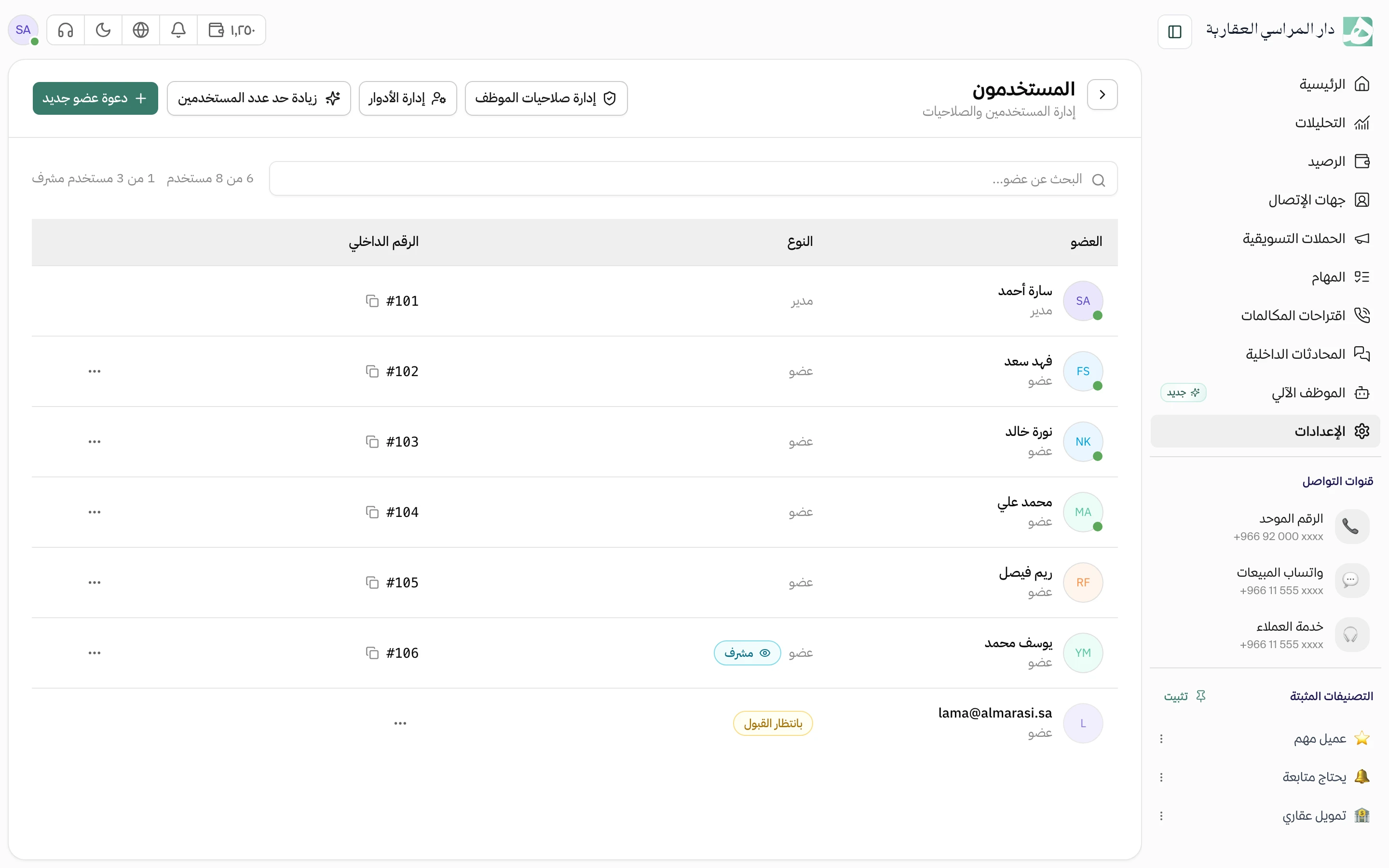
A glance at the team list tells you who has Hatif open right now and since when. The status updates on its own as people log in and out.
See when an employee was available, hour by hour
For each employee, see their presence over the last seven days and how many minutes they were online in each hour. Their working hours sit beside it, so you can compare their schedule with when they were actually there.
Questions about this feature
Who can see the audit log?
The workspace owner, and any member the owner gives permission to view the log. It doesn’t appear for anyone else.
Does the log record calls and messages?
No. The log covers account settings: channels and their members, the team and invitations, permissions and roles, contacts, tags, quick replies, automations, WhatsApp and call flows, and AI agents. Calls and messages are in the customer’s conversation.
How do I find a change from a while ago?
Set a date range and narrow it by employee or action, and what you’re looking for comes up without paging through the log.
Try Hatif with your team
Start with your unified number and have your team answer from one app.