
Customer ratings (CSAT)
Customer ratings (CSAT) for every call and chat
Customers rate you with a key press at the end of a call, or with star buttons on WhatsApp after the conversation closes. Ratings gather in one report: your satisfaction score, and every rating with the customer’s and employee’s names.
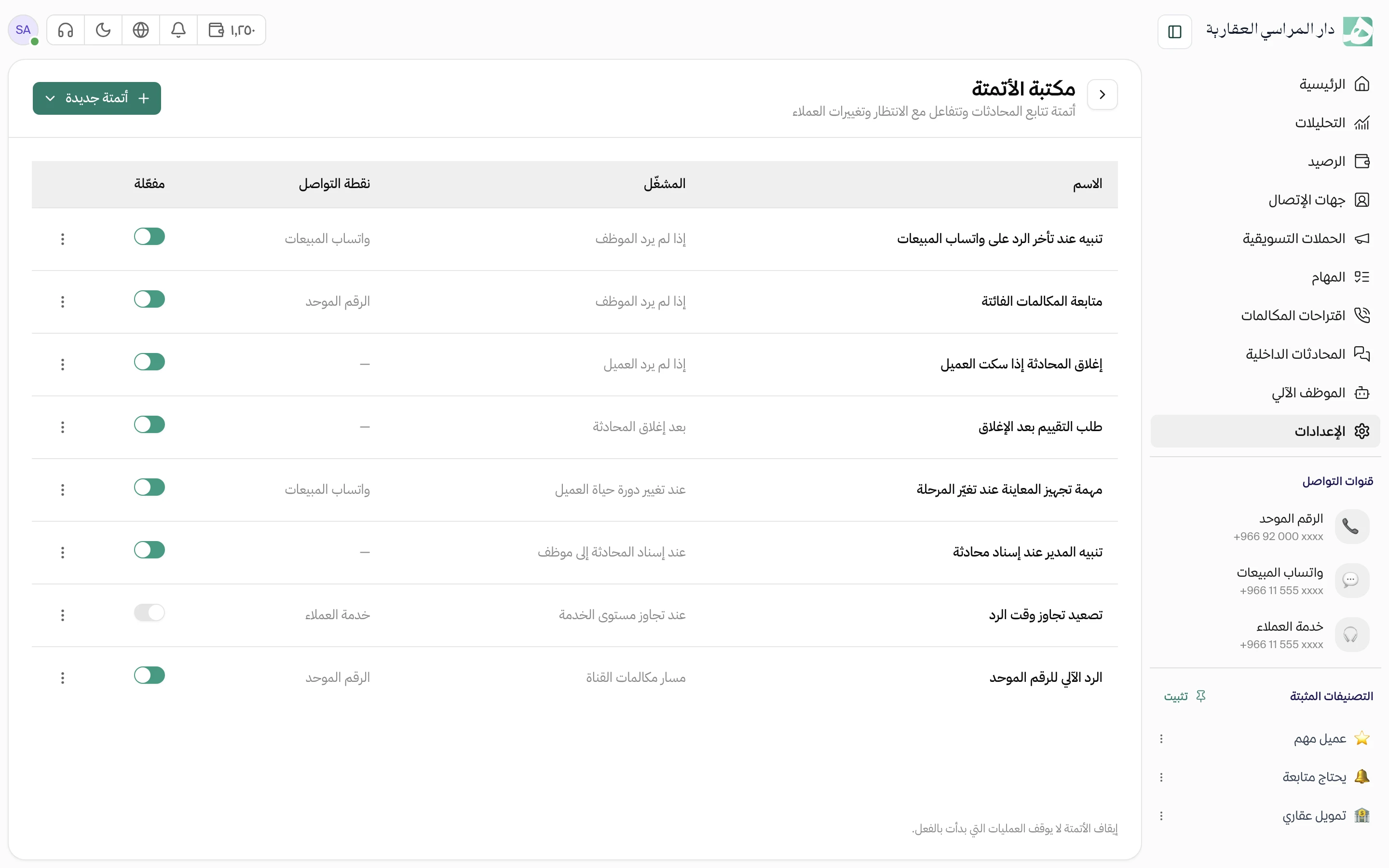
When a conversation closes, the customer gets a question on WhatsApp
Once the conversation closes, the customer receives the rating question on WhatsApp and answers by tapping a star button. Write the question in your own words, or keep Hatif’s default.
- Put the customer’s or the employee’s name in the question
- A customer’s reply to the rating doesn’t reopen the conversation
- It needs an official WhatsApp channel, and goes out within 24 hours of the customer’s last message
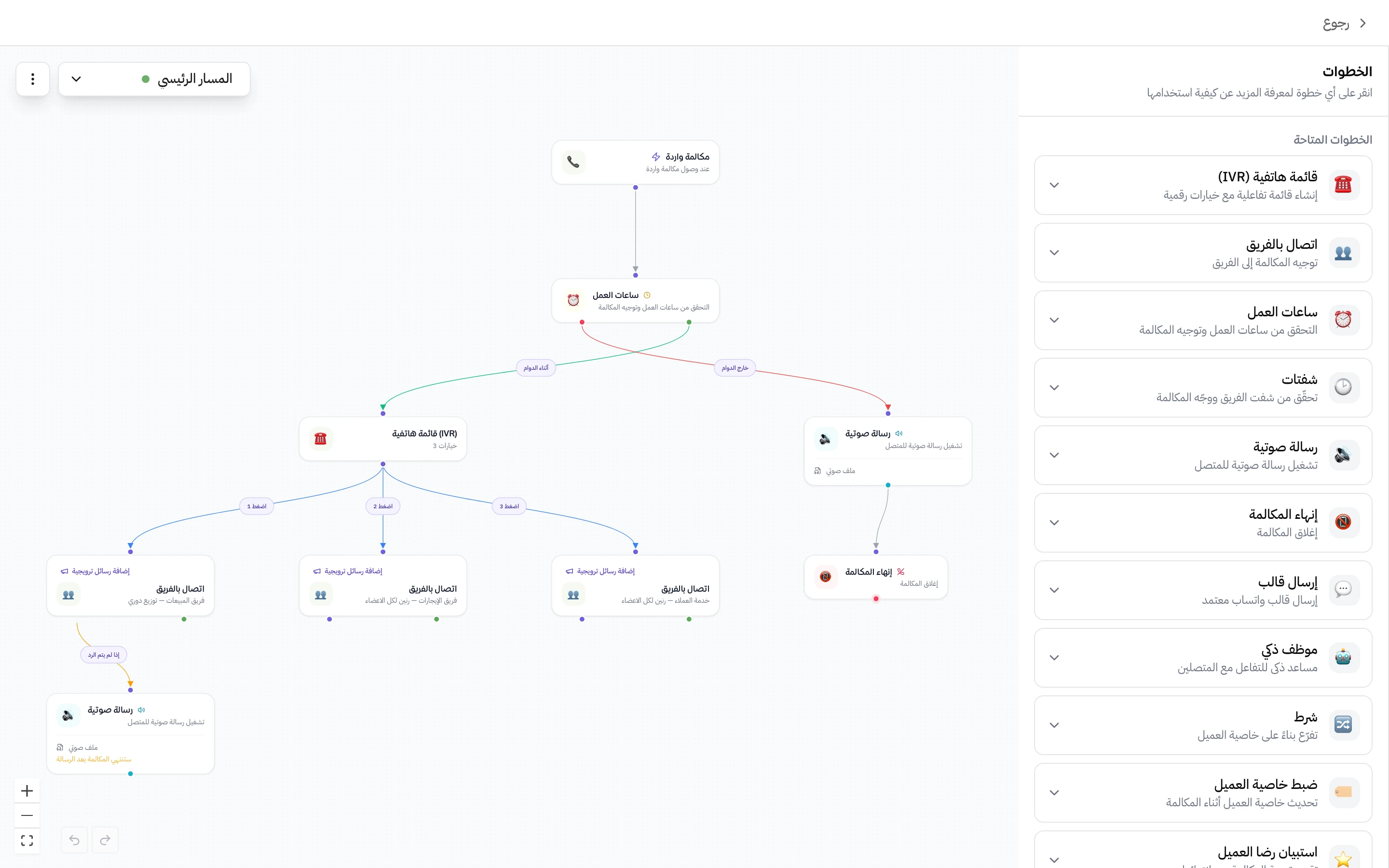
At the end of a call, the caller rates with a key press
As soon as the call with the employee ends, the caller hears the rating question and presses a number on their phone. Upload the question as an audio file, or type it and Hatif turns it into speech.
- You set the rating scale, such as 1 to 5
- The same survey works across several teams
Every rating carries the customer’s and the employee’s names
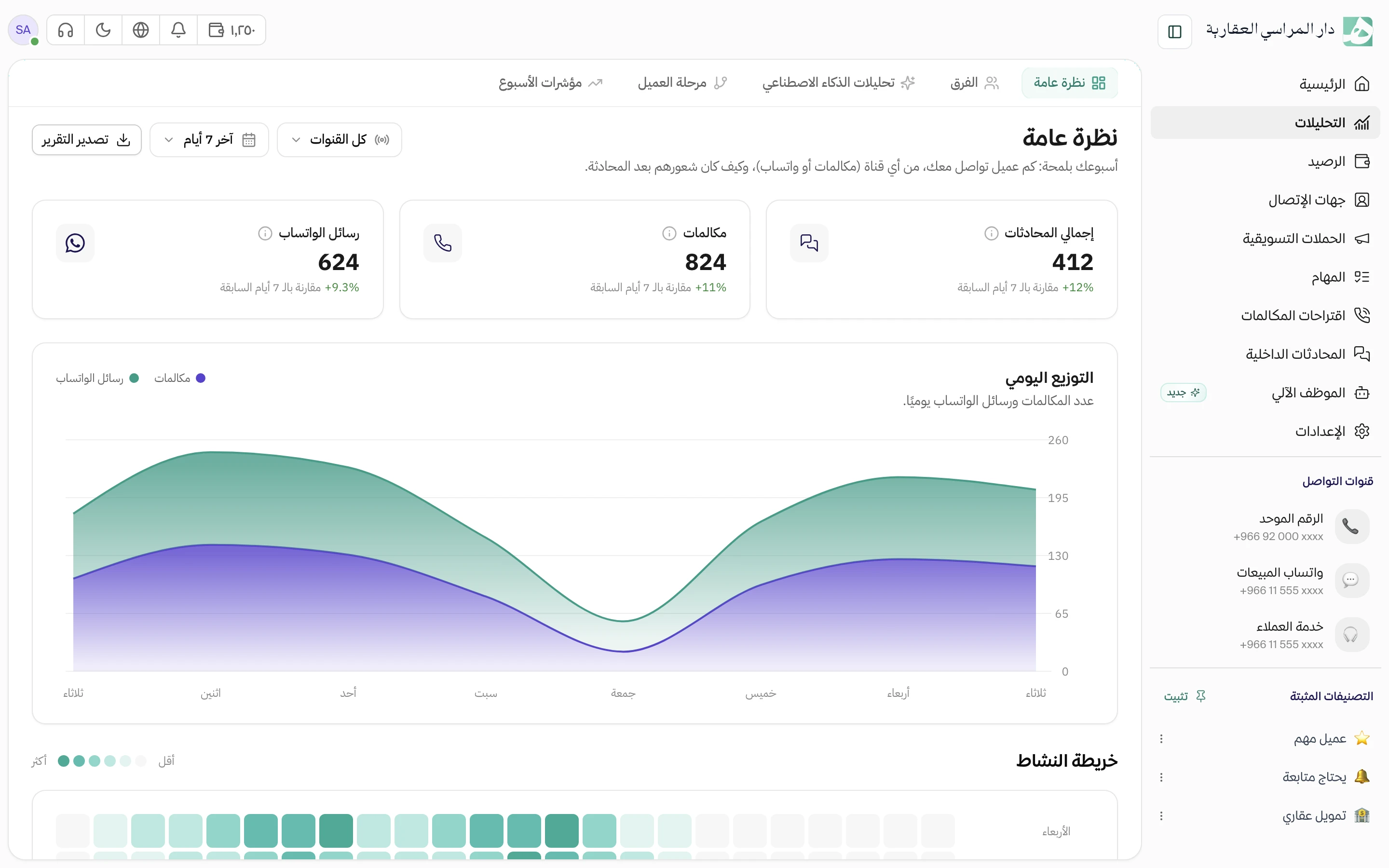
See the satisfaction score for each employee on their own, and their ratings one by one from calls and messages. Open the conversation behind any rating to see what happened.
A call got a low rating? Listen to it and find out why
The rating shows on the call itself. When you spot a call rated 3 out of 5, open it to play the recording and read the summary in the same place.
Questions about this feature
How is the customer satisfaction score calculated?
It’s the share of positive ratings across both surveys together. A call rating counts as positive if it’s one of the top two numbers on its scale, and a message rating if it’s 4 out of 5 or higher.
What happens if a customer doesn’t answer the rating message?
The conversation stays closed whether they answer or ignore it. If they reply after the rating window you set has ended, their reply reopens the conversation like any other message.
Can I send the rating request as an approved WhatsApp template?
Yes. Choose an approved template with two to five quick reply buttons, the first being the highest rating, and it reaches the customer even after WhatsApp’s 24-hour reply window has passed.
Try Hatif with your team
Start with your unified number and have your team answer from one app.