
Call log and recording
Call recording for every call on your number
Every incoming and outgoing call on your number is saved with its recording, its summary and the name of the employee who handled it. Go back to any call whenever you need, without asking anyone what happened.
See what happened on every call at a glance
See which calls were answered and which were missed, who picked up and how long they talked. A completed call also shows how the customer felt, and their rating if they gave one.
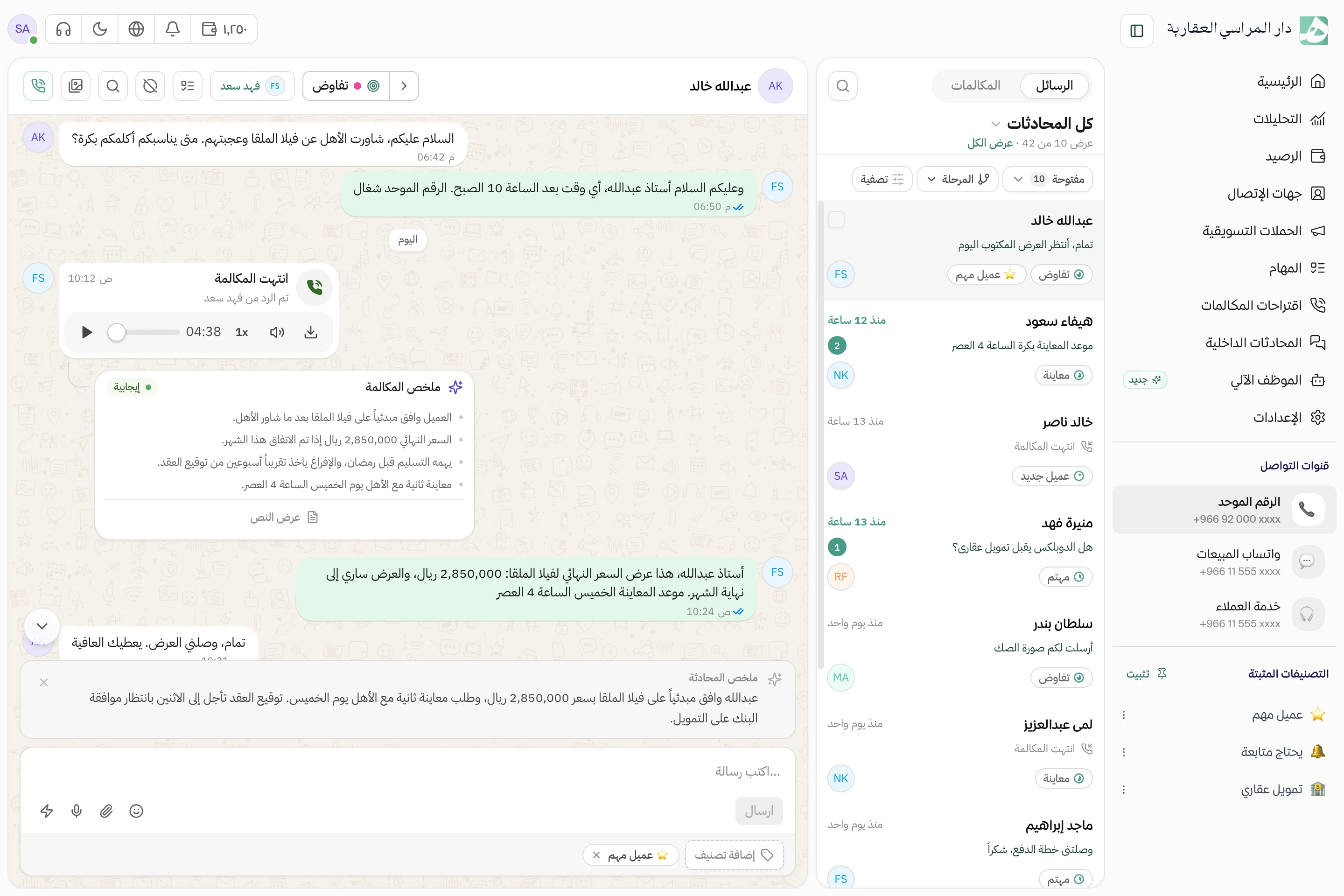
The recording sits in the customer’s conversation
Each call lands in the customer’s conversation between their messages, so you hear the recording with everything written before and after it in view. Underneath is a written summary of what mattered, for when you don’t have time to listen.
- Speed up the recording or download it as a file
- See how the call reached the employee who answered
Read the call, and listen only to the moment you need
The whole call is written out, each line with who said it and when. Skim it, and when a line catches your eye, play it straight from the recording without starting the call over.
The calls you’re looking for, on their own
Pull up just the missed calls, one employee’s calls or one customer’s calls. Review what matters without scrolling through the whole log.
- Filter by status, direction, date and customer sentiment
- See the calls the AI agent handled on their own
Questions about this feature
Does an employee have to turn on recording for each call?
No. Automatic recording is switched on for your number, so each call is recorded and added to the customer’s conversation without the employee doing anything.
Can I download a call’s recording or transcript?
Yes. Download the audio file, and copy the transcript or download it as a text file.
How long do recordings stay available?
That depends on your plan. The call itself stays in the log even after its recording is no longer available.
Related features
All features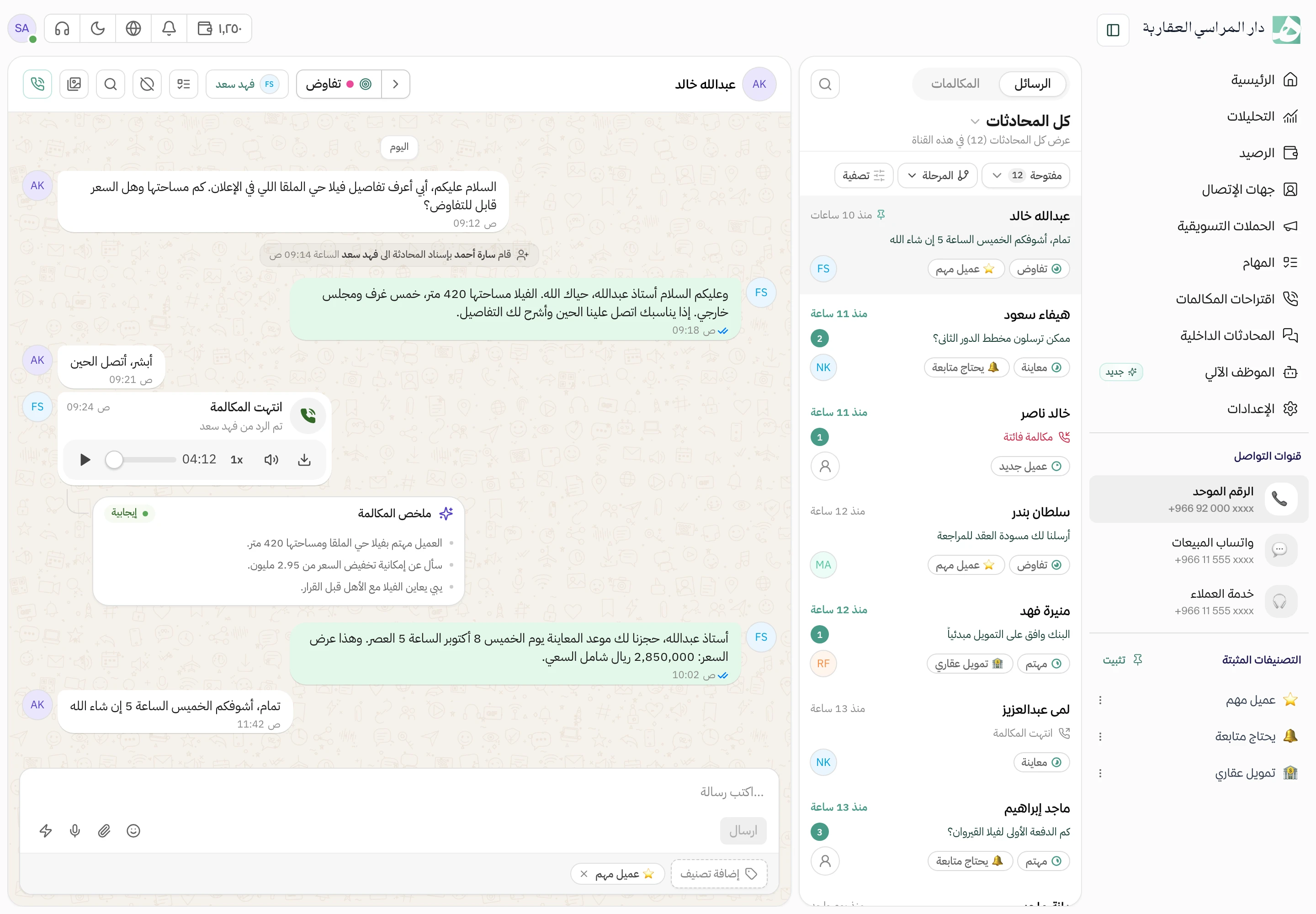
Try Hatif with your team
Start with your unified number and have your team answer from one app.