
Tasks
Tasks that give every follow-up an owner
Turn any follow-up with a customer into a written task: what needs doing, who owns it and when. Every employee opens Hatif and sees what’s theirs.
Write the task once, and set who and when
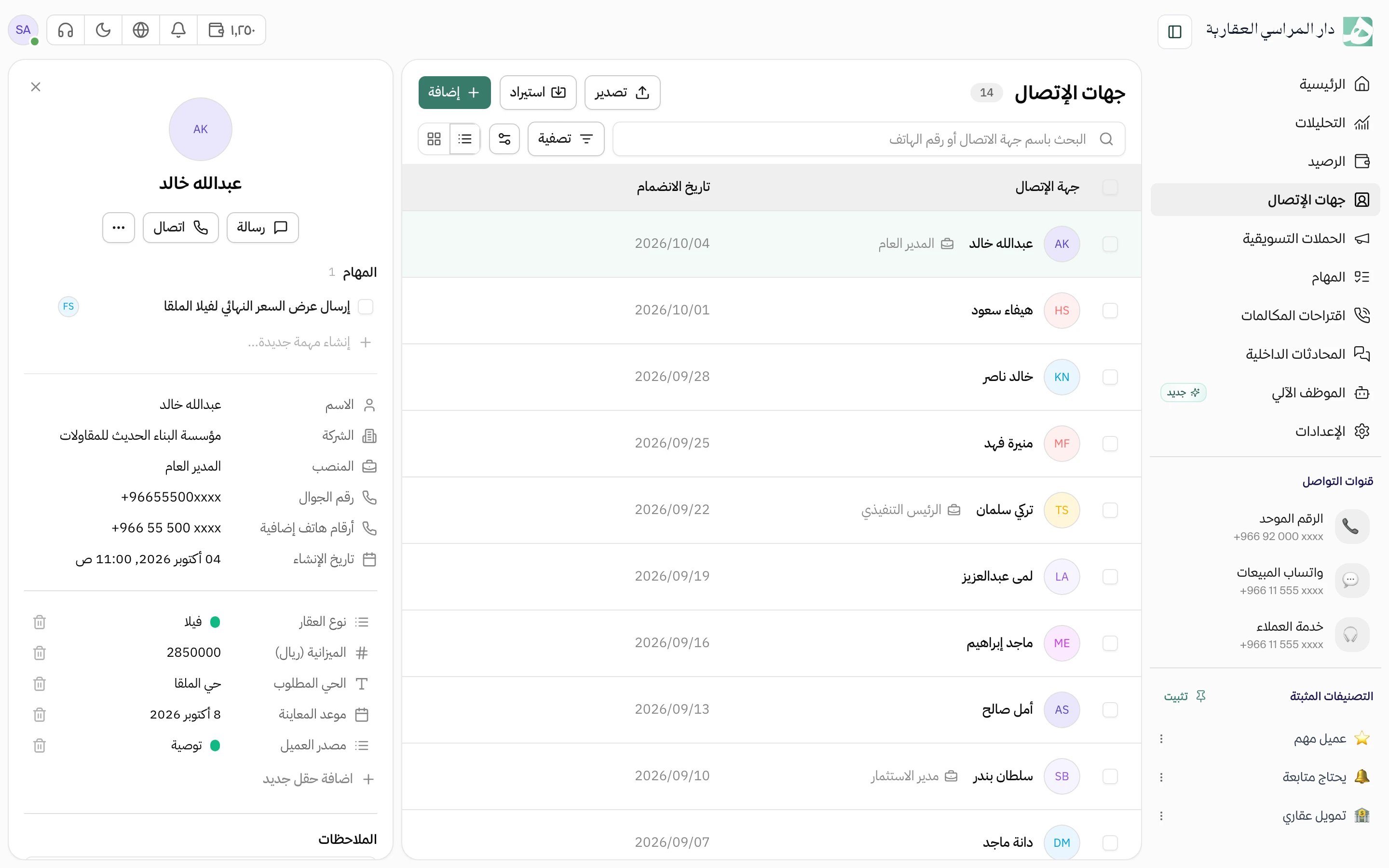
Every task has an owner, a due date and a priority, so no follow-up is left hanging without someone responsible. Create it from the customer’s message or their record, and it stays linked to them, so whoever opens it knows which customer it’s about.
- Private to you, or visible to the whole team
- Attach files to it
Know where every follow-up stands
Split the work into statuses you name, such as new, in progress and waiting for the customer. One glance tells you what’s stuck and what’s overdue.
- A separate list for each kind of work you do
- Add properties specific to your work, such as request type
See the team’s work on a calendar
The same tasks on a monthly or weekly calendar, so you see how busy each day is before you hand out new work. Tasks without a date stay in view until you give them one.
Open a task and find its whole story
Everything that happened on a task is in one place: its subtasks, the team’s comments, and who changed what and when. Whoever takes it over from a colleague picks up where they left off.
- Message or call the customer from the task itself
- Each subtask has its own owner and due date
Questions about this feature
Who can see a task?
You decide for each task. A private task is seen by whoever created it, its owner and anyone with permission to view all tasks. A team task is seen by every member.
Can I create a task from a customer conversation?
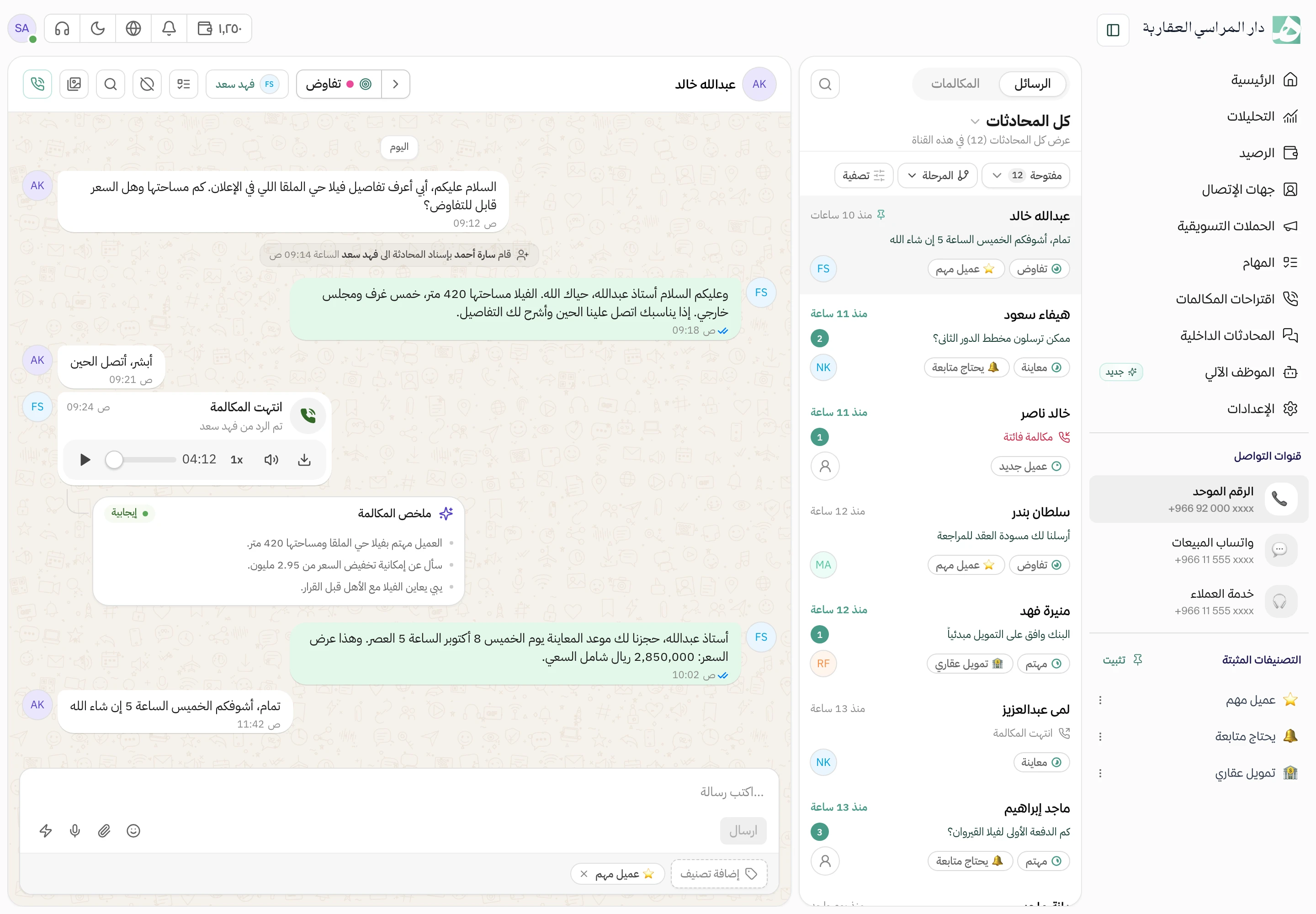
Yes, from the message itself. The task is saved linked to the conversation and the customer, and whoever opens it later can reach the conversation from it.
Can I add fields specific to our work to tasks?
Yes, properties of four types: text, number, list or date. They apply to all the company’s tasks, and you can filter tasks by them.
Try Hatif with your team
Start with your unified number and have your team answer from one app.