
Conversation tags
Tags that show what each conversation is about
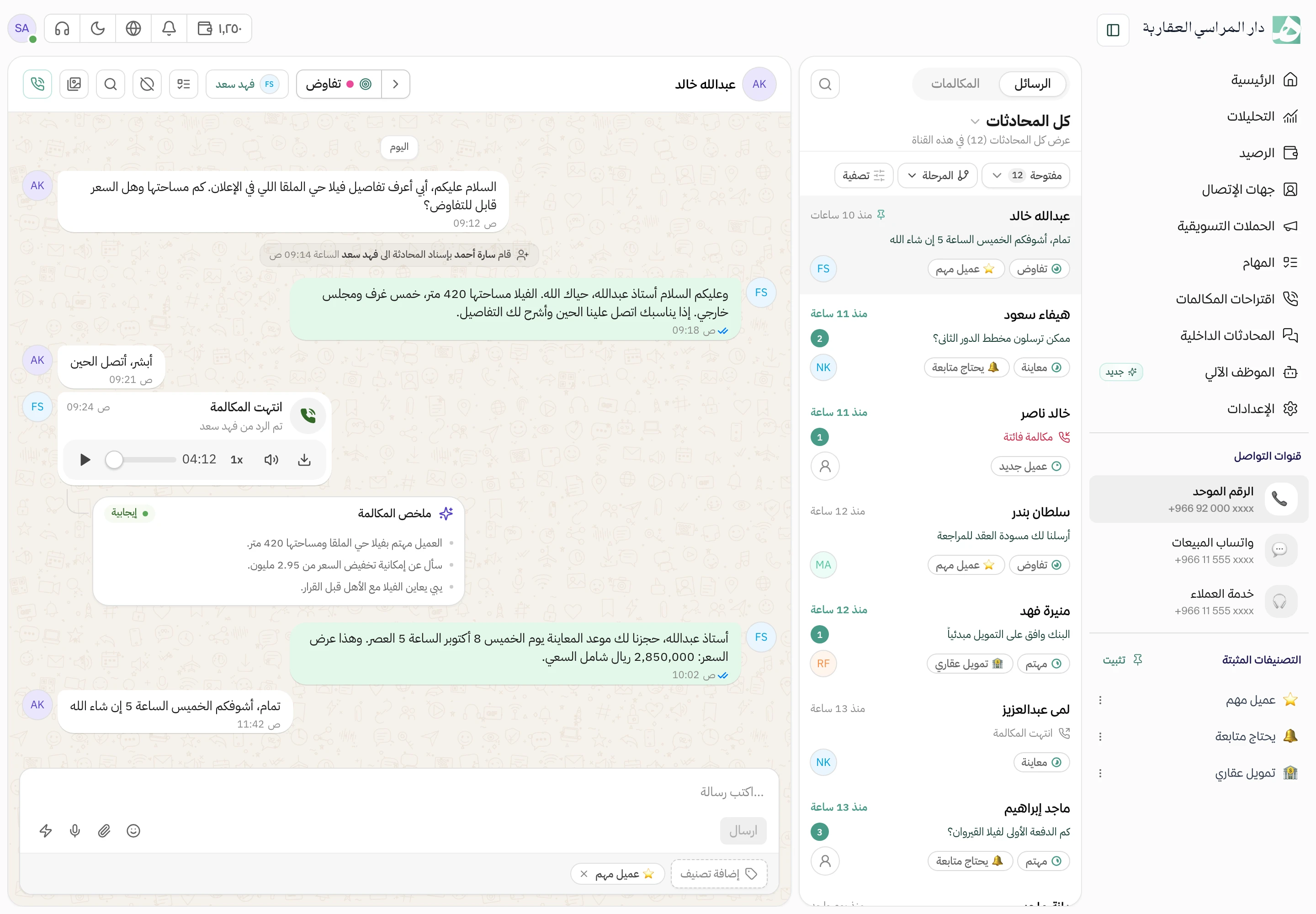
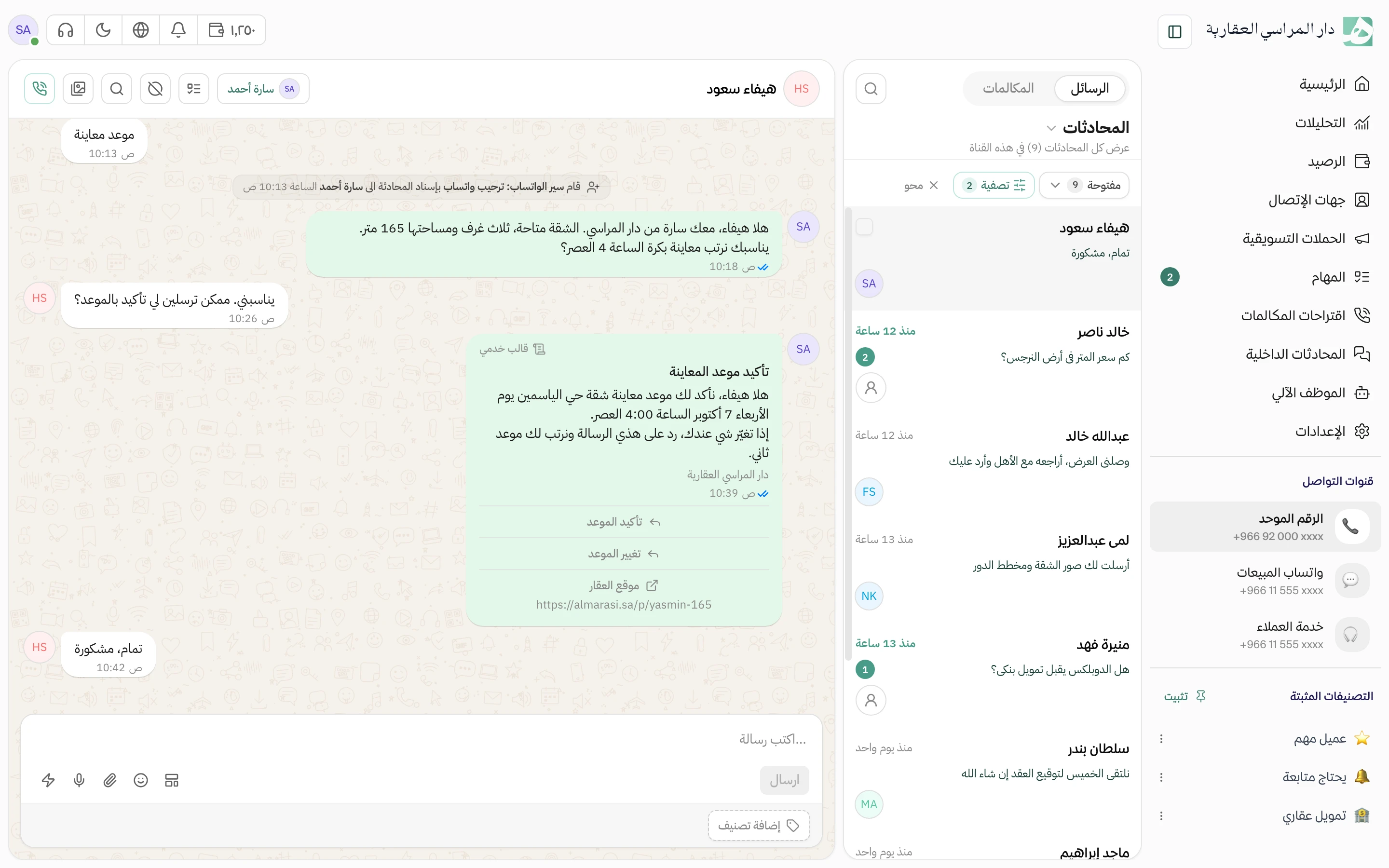
Add your own tag to a conversation, such as VIP customer or viewing request, and the whole team sees it. Pull up every conversation with the same tag in one click.
Tag a conversation while you reply
Tag the conversation as you reply to the customer, without leaving it. One conversation can take several tags, such as VIP customer and viewing request together.
You name the tags to fit your work
There’s no fixed list to stick to. Name the tags the way your team works, and add new ones from inside a conversation.
Pull up a tag’s conversations on their own
Want to see every viewing request, or every VIP customer? Filter the inbox by tag and they come up on their own.
- Filter by several tags at once
- Pin an important tag and reach its conversations in one click
One list of tags for the whole company
The whole team uses the same tags, and you edit or delete them from one place. Tags never get duplicated, because Hatif warns you when a name already exists.
Questions about this feature
Can every employee add new tags?
That depends on their permissions. Managing tags has one permission and applying them to conversations has another, so an employee can tag conversations without changing the company’s list.
Can I add more than one tag to the same conversation?
Yes, as many as you like, and they all show on the conversation for the team to see.
What happens if I create a tag with a name that already exists?
It isn’t saved, and Hatif tells you a tag with that name already exists. That way tags don’t get duplicated across the team.
Try Hatif with your team
Start with your unified number and have your team answer from one app.