
Call transfer
Transfer calls to the right colleague mid-call
Answered a call and found the request belongs with a colleague? Transfer the customer while they’re on the line, instead of asking them to call again.
Transfer the customer while you’re talking
Transferring is one click from the call itself, mid-conversation. You never leave the call or open another page.
No extensions to memorize
Pick a colleague by name from the people on the same number, and the call moves to them. No extension to remember and no number to type.
- You get a confirmation that the call was transferred, and to whom
- If the transfer doesn’t go through for any reason, the call stays with you
Big team? Search by name
However many people are on the number, type the first letters of a colleague’s name and they come up. A transfer takes seconds, and the customer isn’t left waiting while you scroll through names.
After the call, you know who transferred it and to whom
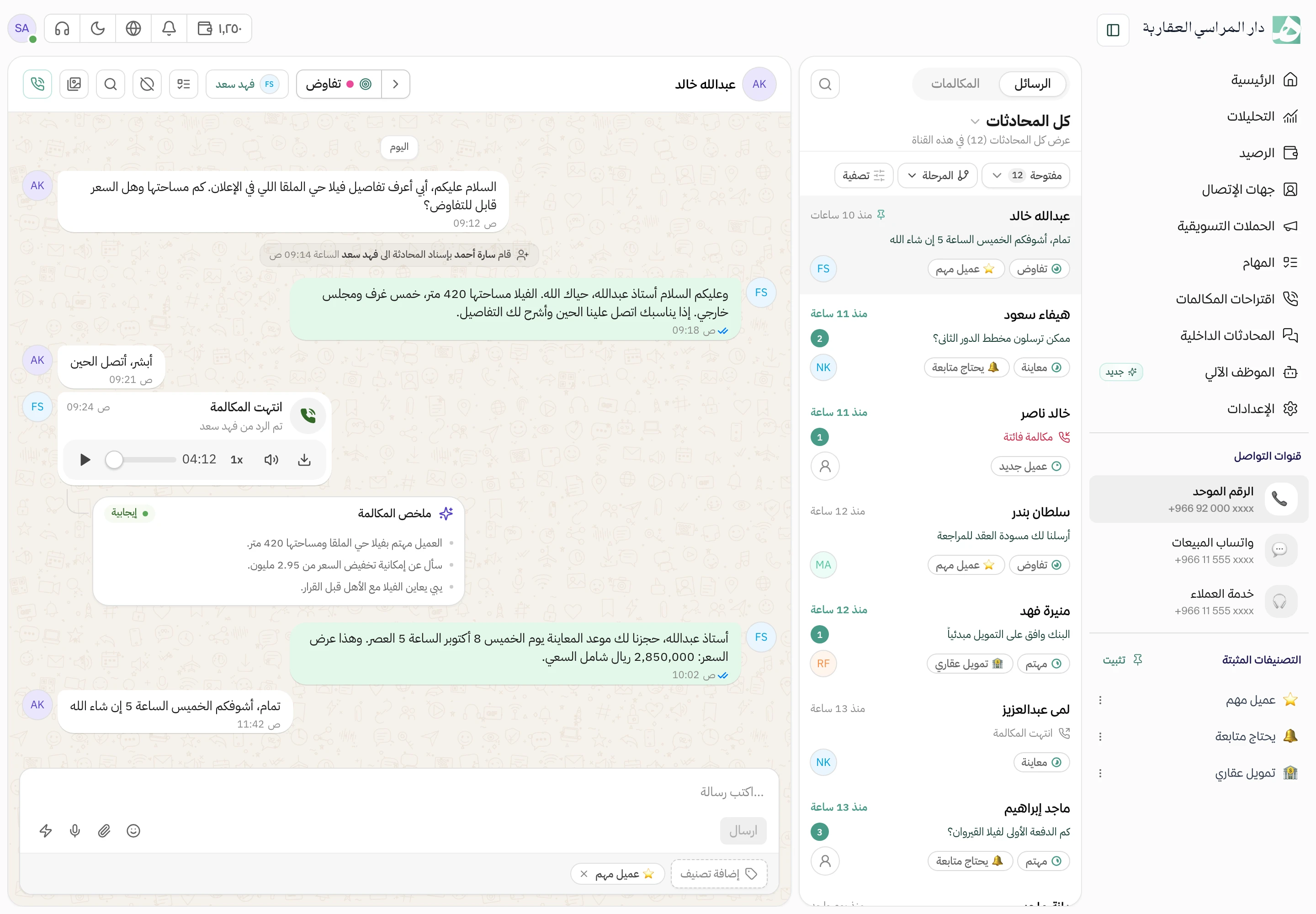
A transferred call is saved in the customer’s conversation with its full path: who answered first, who transferred it to whom, and how long each person talked. When the customer calls back later, you know exactly who they spoke to.
Questions about this feature
Who can I transfer a call to?
Any colleague added to the same number the call came in on.
What happens after I press transfer?
The call moves to the colleague you chose, and you get a confirmation with their name. If the transfer doesn’t go through for any reason, you see why and the call stays with you.
Can another employee transfer a call I’m on?
No. Only the employee on the call can transfer it.
Try Hatif with your team
Start with your unified number and have your team answer from one app.