
Blocked contacts
Block nuisance numbers once, for the whole team
Block a contact once and it disappears from contacts and conversations across the company, and its messages and calls stop reaching you. Unblock it whenever you like.
Block it right where you see it
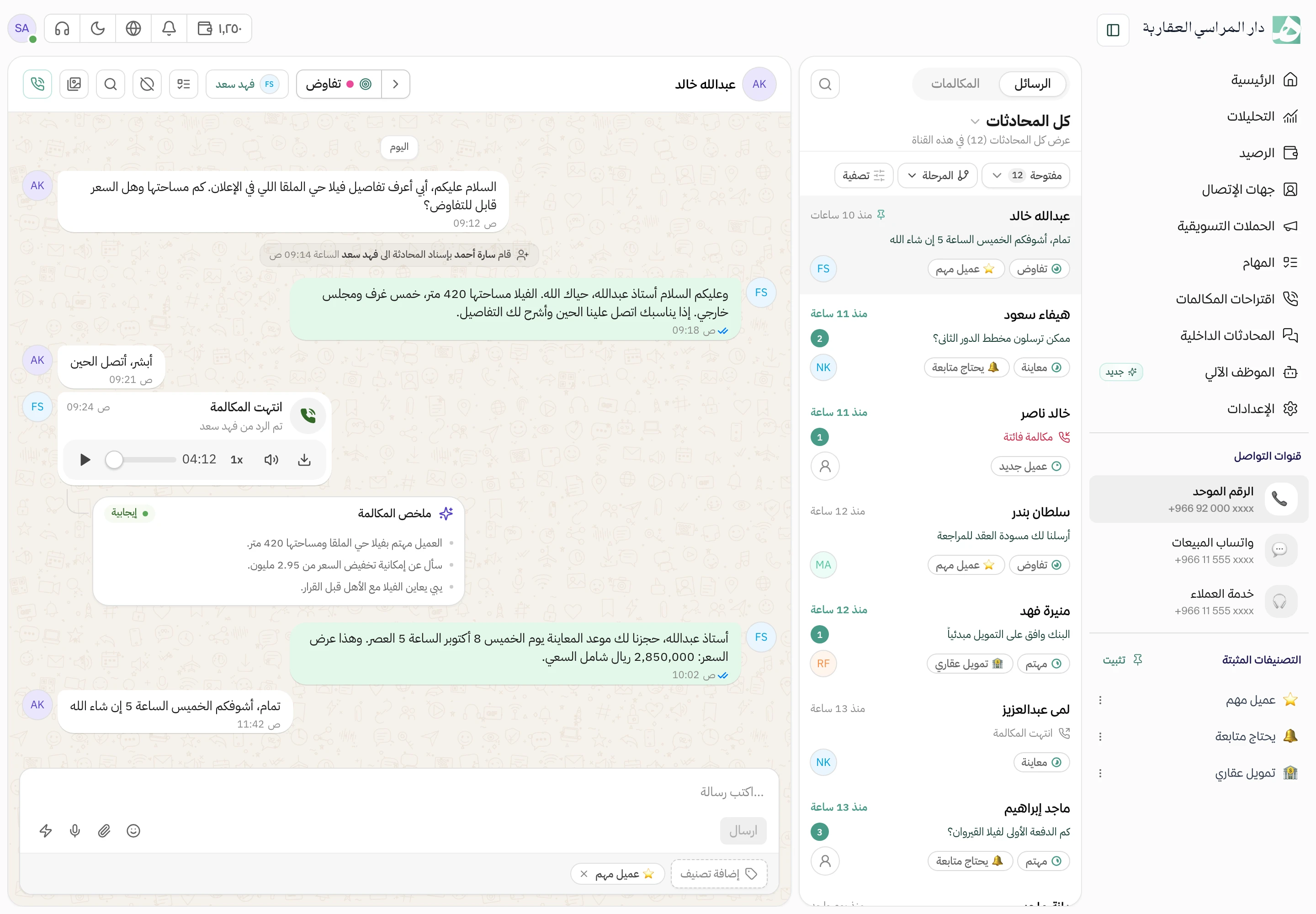
Block the number from inside its conversation, without going to settings or copying the number.
Before you confirm, Hatif tells you what will happen
Nobody blocks a contact with a stray click. Hatif asks you to confirm first, and explains that the contact will disappear from contacts and conversations and that its messages and calls will stop reaching you.
One list of who was blocked, when and by whom
Everyone blocked sits in one list, each showing when they were blocked and who on your team did it. When the list grows, search it by name or number.
Blocked someone by mistake? Bring them back in one click
Unblock a contact from the list and it returns to your conversations, with its new messages and calls reaching you again. Messages sent while it was blocked don’t come back, and Hatif tells you so before you confirm.
Questions about this feature
Who on the team can block and unblock contacts?
Anyone with the manage contacts permission, the same permission that allows editing and deleting a contact.
Does a block apply just to me or to the whole team?
To the whole company. The workspace has one blocked list, and a blocked contact disappears from contacts and from conversations.
If I unblock someone, do I get the messages they sent while blocked?
No. After unblocking, only new messages and calls reach you. Messages sent while they were blocked can’t be recovered.
Try Hatif with your team
Start with your unified number and have your team answer from one app.